

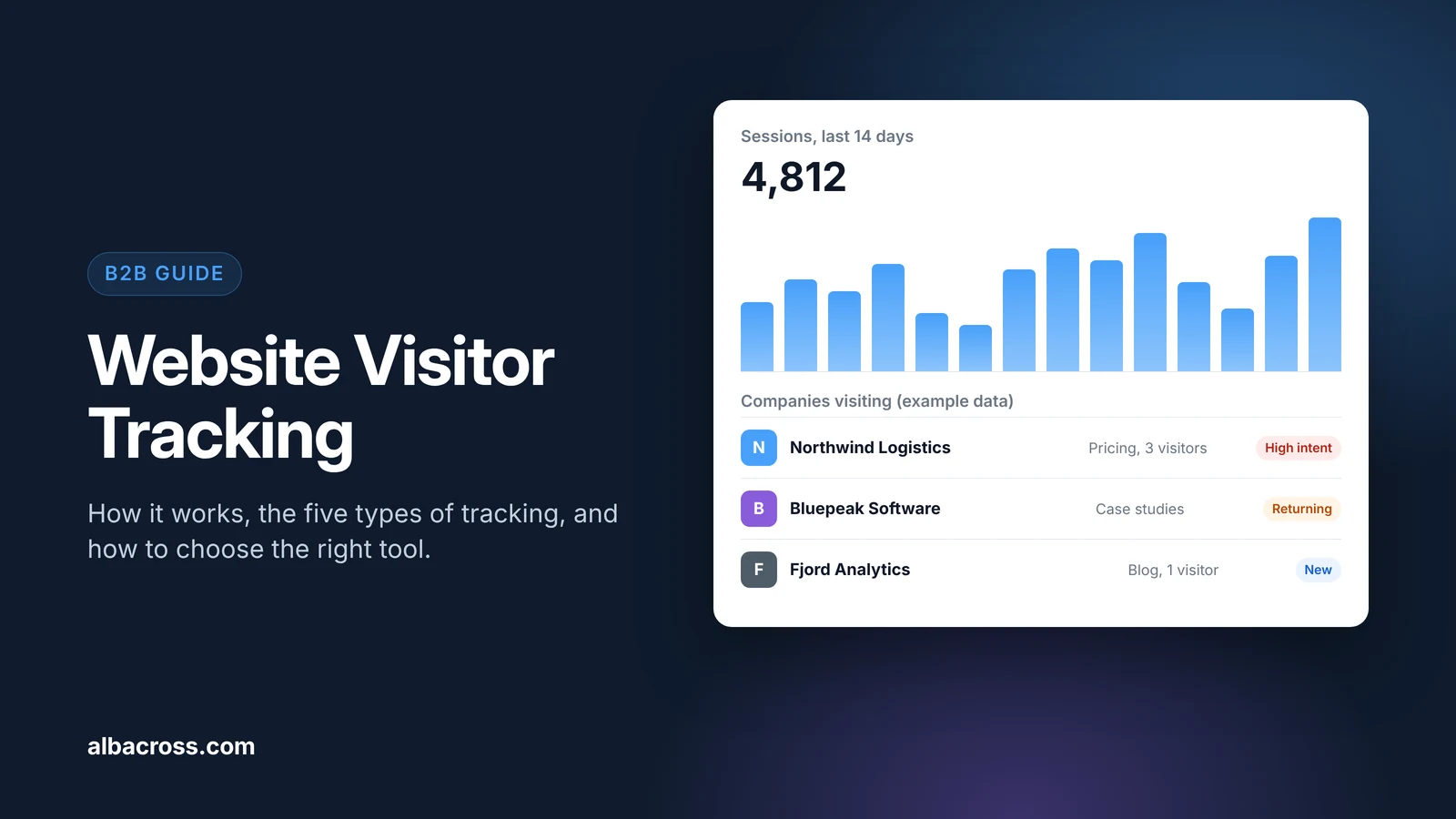
Website visitor tracking is the collection of data about who visits your website and what they do there: how many people come, where they come from, which pages they view and, for B2B sites, which companies they work for. It works through a small script on your pages that records each visit. Depending on the tool, that data becomes traffic reports, heatmaps, a list of visiting companies or alerts for your sales team. This guide covers how tracking works, the five types of tracking, free options, the legal rules and how to choose a tool.
What Website Visitor Tracking Shows
A typical setup can show you:
- Traffic: visits, unique visitors, new vs returning visitors and trends over time.
- Sources: organic search, paid ads, social, email, referrals and AI assistants.
- Behavior: pages viewed, time on page, scroll depth, clicks and the path through your site.
- Conversions: form fills, sign-ups, demo requests and purchases.
- Technology and location: device, browser and country or city.
- Companies (B2B only): which organizations are visiting, their size and industry, and what they looked at.
How Website Visitor Tracking Works
Most tools follow the same pattern:
- A tracking script loads on each page. You add a short JavaScript snippet to your site, often through Google Tag Manager.
- The script records the visit. It captures the page, the time, the referrer, device details and the visitor's IP address.
- The tool recognizes returning visitors. Many tools use a first-party cookie. Others use cookieless methods, such as short-lived hashes or server-side processing, to avoid storing data on the device.
- The data is processed and enriched. Analytics tools group visits into reports. Company identification tools also match IP addresses to companies with reverse IP lookup.
- You act on it in dashboards, CRM records, alerts or ad audiences.
The 5 Types of Website Visitor Tracking
"Visitor tracking" covers several kinds of tools that answer different questions. Most B2B teams use two or three of them together.

1. Web Analytics
Web analytics answers "how many people visit, and from where?". It reports traffic, sources, pages and conversions in aggregate. Google Analytics 4 is the most widely used. Matomo and Plausible are common privacy-focused alternatives. Web analytics does not tell you who your visitors are.
2. Behavior Analytics
Behavior analytics answers "how do people use this page?". Heatmaps show where visitors click and how far they scroll. Session recordings replay individual visits without identifying the person. Microsoft Clarity and Hotjar are well-known examples. Use them to find friction on key pages such as pricing and sign-up.
3. Company Identification
Company identification answers "which companies are visiting?". It matches the visitor's IP address to a company and shows the company name, industry, size, location and the pages viewed. This is the type that turns anonymous B2B traffic into a list of accounts for sales and marketing. Examples include Albacross, Leadfeeder, Lead Forensics and Snitcher. Read how to identify website visitors for a deeper look.
4. Person-Level Identification
Person-level tools try to answer "which individual is this?" by matching visits against third-party identity data. RB2B is one example and covers US visitors only. In the EU, identifying named individuals this way generally needs the visitor's consent, so most European B2B teams stay at company level.
5. Third-Party Intent Data
Intent data answers "who is researching my topic elsewhere?". It does not track visits to your site. It shows which companies are reading about topics related to your product across other websites. Bombora and G2 Buyer Intent are common sources. Combined with company identification, it helps you see which visiting companies are actively in market. See our guide to comparing intent data providers.
Visitor Tracking Types Compared
| Type | Answers | Personal data | Free options | Best for |
|---|---|---|---|---|
| Web analytics | How many visit, from where | Low, aggregated | Yes (GA4, self-hosted Matomo) | Every website |
| Behavior analytics | How people use pages | Medium, recordings need care | Yes (Microsoft Clarity) | Improving key pages |
| Company identification | Which companies visit | Low, about companies | Usually a free trial | B2B sales and marketing |
| Person-level identification | Which individual visits | High | Varies by vendor | US-focused outbound |
| Third-party intent | Who researches your topic elsewhere | Low, about companies | Rarely | Prioritizing accounts |
Free Website Visitor Tracking Options
You can cover a lot without paying:
- Google Analytics 4 is free and covers traffic, sources and conversions.
- Microsoft Clarity is free and adds heatmaps and session recordings.
- Matomo is free if you host it yourself, which keeps the data on your own servers.
- Google Search Console is free and shows which searches bring people to your site.
None of these show which companies visit. For that you need a company identification tool, and most of them offer a free trial so you can test them on your own traffic first.
How to Choose a Website Visitor Tracking Tool
- Start with the question. Do you need traffic numbers, page-level behavior, or a list of companies for sales? Pick the type first, then the tool.
- Check data coverage. For company identification, test how well the tool matches companies in the countries you sell to.
- Check compliance. Ask where data is stored, whether the tool sets cookies, and how it supports GDPR and your consent setup.
- Check integrations. The data is only useful if it reaches your CRM, Slack or Teams and your ad platforms.
- Check the cost model. Look for public pricing and understand what drives the price, such as traffic volume, identified companies or seats.
- Run a trial on your own traffic. Compare the results with accounts you already know.
Turn website traffic into a list of accounts
See which companies visit, what they look at and which ones are researching your category with Bombora intent data.
Start free trialHow to Set Up Website Visitor Tracking
- Install web analytics on every page and set up conversion events for sign-ups, demo requests and other key actions.
- Set up consent management so cookies and similar tracking only run when your rules allow it.
- Add behavior analytics to your most important pages, such as pricing, product and sign-up.
- Add company identification if you sell to businesses, and connect it to your CRM and messaging tools.
- Define your segments. Separate customers, target accounts, competitors and job seekers so reports stay useful.
- Review weekly. Check which pages and sources bring target accounts, and which accounts sales should follow up.
Is Website Visitor Tracking Legal?
Yes, when you follow the rules where your visitors are. Check with your own legal team, but in short:
- EU and UK: GDPR applies to personal data, including IP addresses in many cases. Cookies and similar tracking that store data on the device need consent unless they are strictly necessary. Tell visitors what you collect in your privacy notice, and collect only what you need.
- United States: state privacy laws such as California's CCPA require a clear privacy notice and an opt-out from the sale or sharing of personal information.
- Session recordings: mask form fields and other sensitive inputs so recordings never capture personal or payment data.
Company-level tracking carries less risk than identifying individuals, because it is about organizations rather than people.
B2B Metrics Worth Tracking
- Target accounts visiting each week and month
- High-intent page visits, such as pricing, demo and comparison pages
- Returning accounts and the number of people per account
- Conversion rate from visit to sign-up or demo request
- Pipeline influenced by identified accounts
- Traffic by source, including organic search and AI assistants
Common Mistakes
- Collecting data nobody uses. Decide who reviews each report and what they do with it.
- Ignoring consent. A tracking setup that breaks privacy rules creates risk and lost data.
- Treating every visit as a lead. One blog visit is not buying interest. Look for patterns and fit.
- Leaving sales out. Company data is most valuable when it reaches the right rep quickly.
How Albacross Helps
Albacross shows which companies visit your website and what they look at. Identify matches visits to companies and adds firmographics. Signal combines website activity with Bombora intent data to show which accounts are in market. Alerts go to your CRM, Slack or Teams, and you can turn high-intent accounts into LinkedIn audiences for account-based ads.
Albacross identifies companies, not individuals, so it is built for GDPR. Try it free for 14 days, no credit card needed.
Frequently Asked Questions
What is website visitor tracking?
Website visitor tracking is the collection of data about the people and companies that visit your website, such as traffic sources, pages viewed and conversions. B2B tools can also show which companies the visitors work for.
What is the best free website visitor tracker?
It depends on what you need. Google Analytics 4 is free for traffic and conversions, Microsoft Clarity is free for heatmaps and recordings, and Matomo is free if you host it yourself. Free tools do not show which companies visit; for that, try a company identification tool's free trial.
Can website owners see who visits their website?
They can see visits, sources and behavior. With a company identification tool, they can see which companies many visits come from. They can see named individuals only if those people shared their details, for example through a form, or through person-level tools that mainly cover the US.
Is website visitor tracking legal?
Yes, if you follow privacy rules such as GDPR in the EU and the CCPA in California. That usually means a clear privacy notice, consent for non-essential cookies in the EU, and collecting only what you need.
What is the difference between visitor tracking and visitor identification?
Visitor tracking is the broad term for collecting data about visits. Visitor identification is one type of tracking that works out who is behind a visit, usually the company and sometimes the person.
Does visitor tracking work without cookies?
Yes. Some analytics tools, such as Plausible, are built to work without cookies, and company identification relies on the IP address rather than a cookie. Cookieless tools still need to follow privacy rules.
Further Reading

Marcus Svensson
Head of Growth

 Overview only the features needed for your use case
- Show how to adapt it to your customer qualification process


